TSM Registration – Signup
The Credentia Test Site Management platform is an application designed to streamline the management and oversight of certified test centers. It serves as a centralized system connecting test sites, test centers, and clients, ensuring seamless operations.
To enroll with the Credentia TSM platform, follow the steps below:
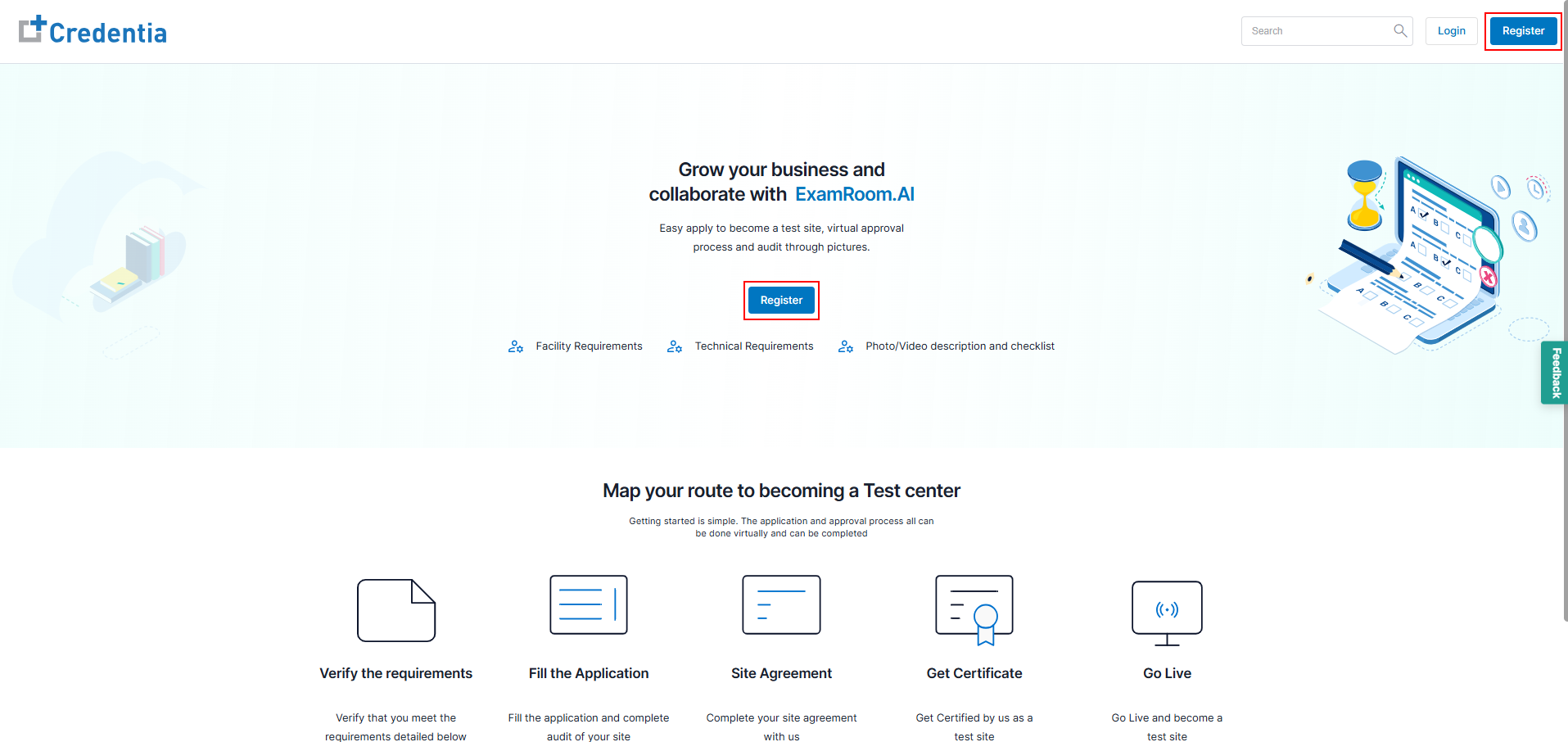
- Go to the Credentia TSM registration page using: cna365.examroom.ai/testsite
- Click Register to create a new account.
Note: If your test site is already registered with the Credentia legacy system, follow the steps to migrate to the new Credentia TSM platform.
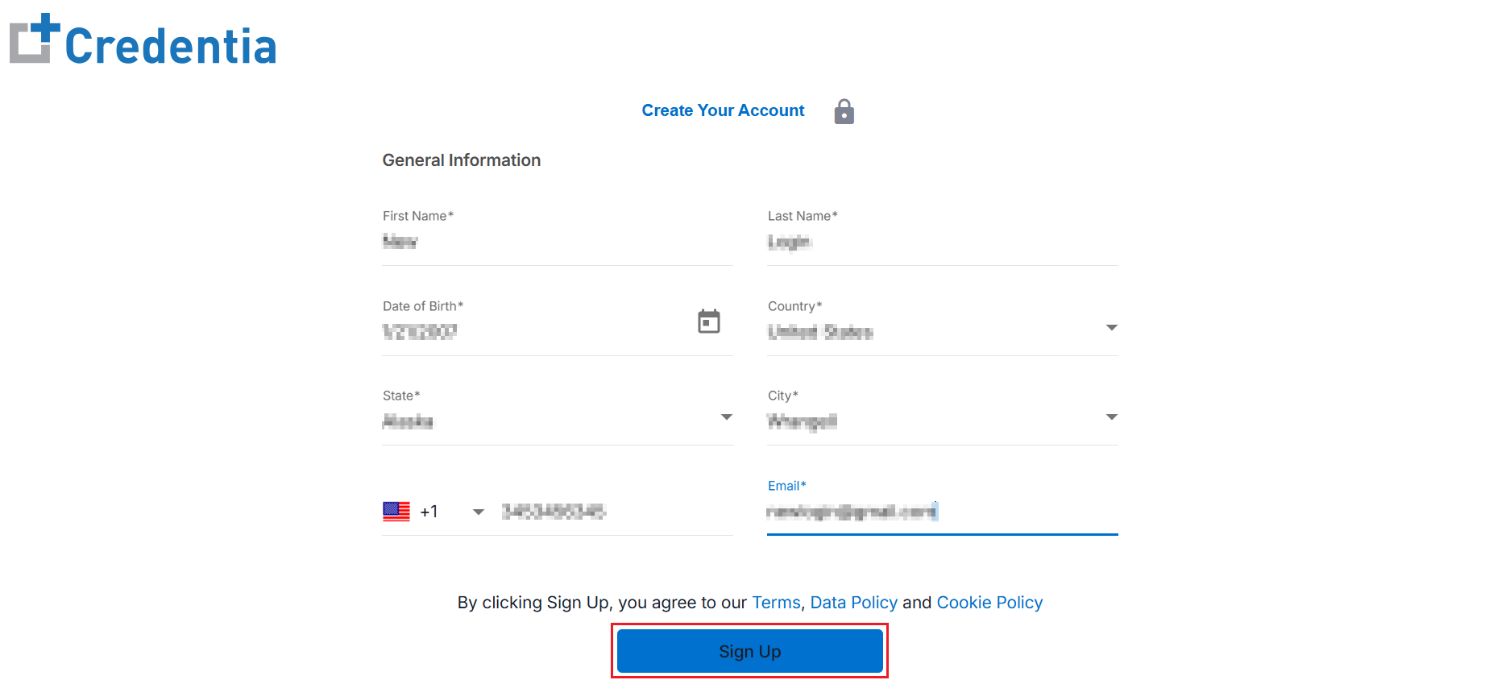
- Fill in the necessary details under the General Information section
- First Name
- Last Name
- Date of Birth
- Country
- State
- City
- Phone Number
- Email
Note: The State and City options will differ based on your selection.
- Click Sign Up to enroll.
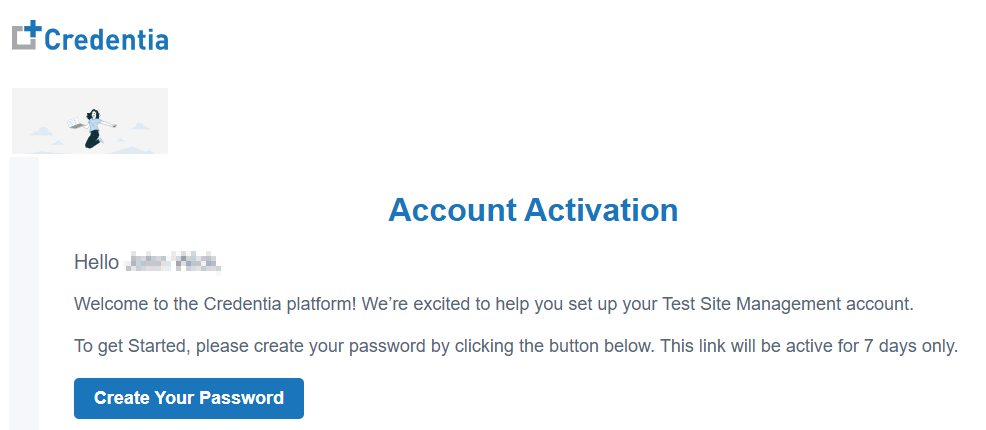
- After successful registration, a verification email is sent to the registered email address.
- Go to the registered email address and find the verification email.
- In the email, click the Create Your Password link to set a new password.
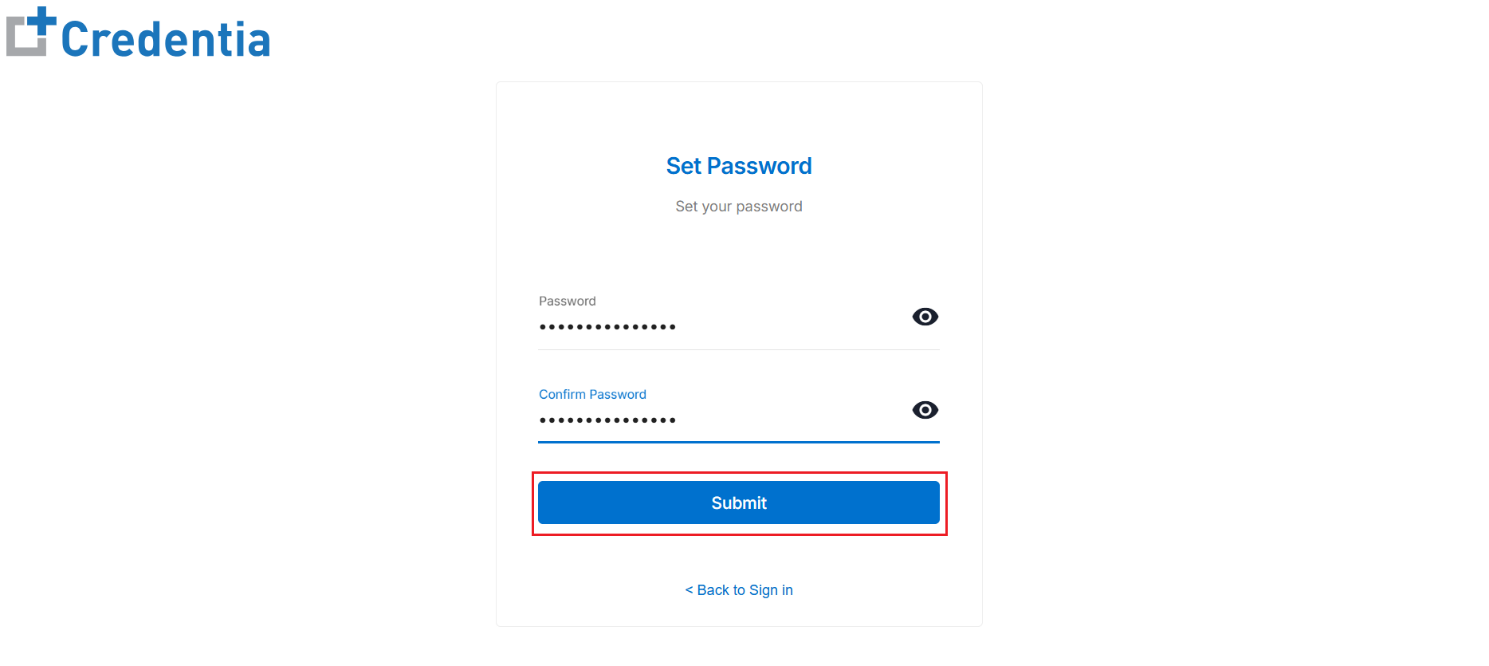
- On the Set Password page, enter your new password in the Password field and retype it in the Confirm Password field for verification.
Note: Please ensure the password meets the organization's security standards, which require a minimum of fourteen 14 characters that include at least one uppercase, one lowercase, one digit, and one special character.
- Click Submit to create and activate your account.
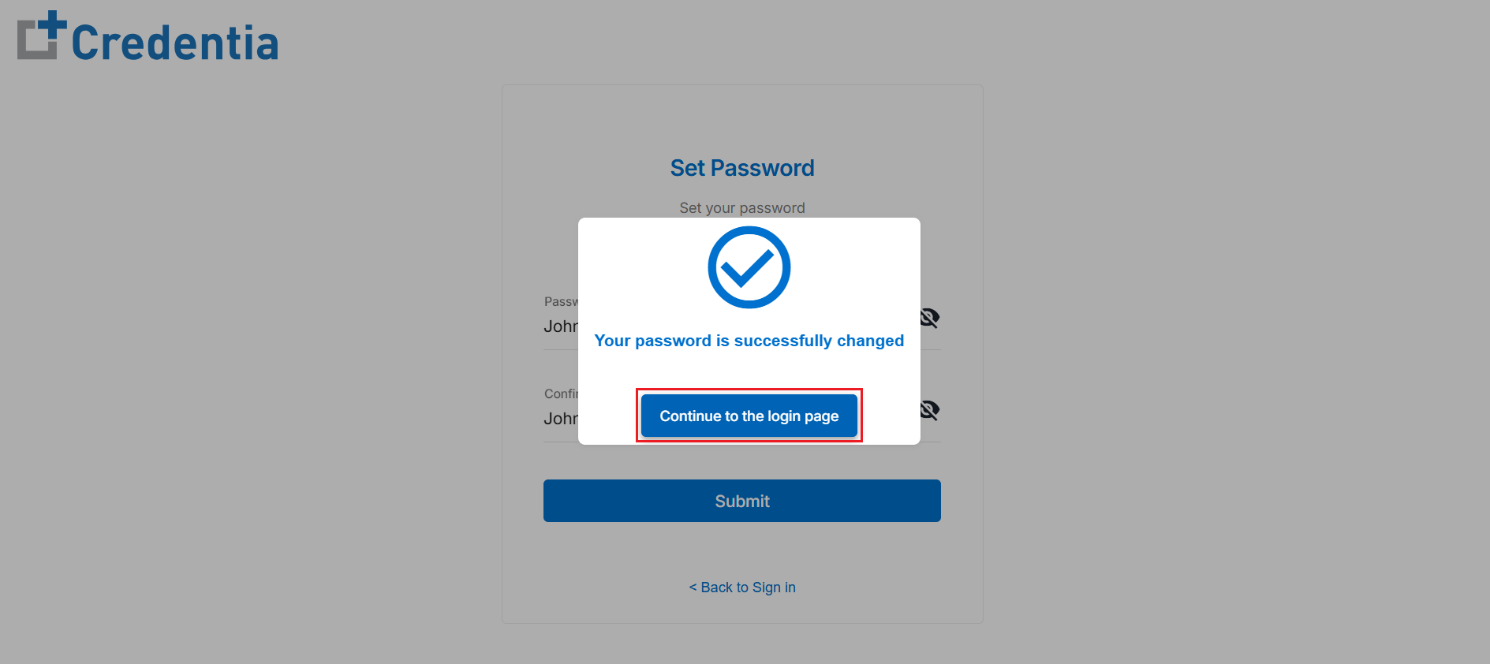
- After submitting, a dialogue box appears, indicating that your password has been successfully changed. Click the Continue to the login page button to proceed to the login page and access your account.