View a Test Center
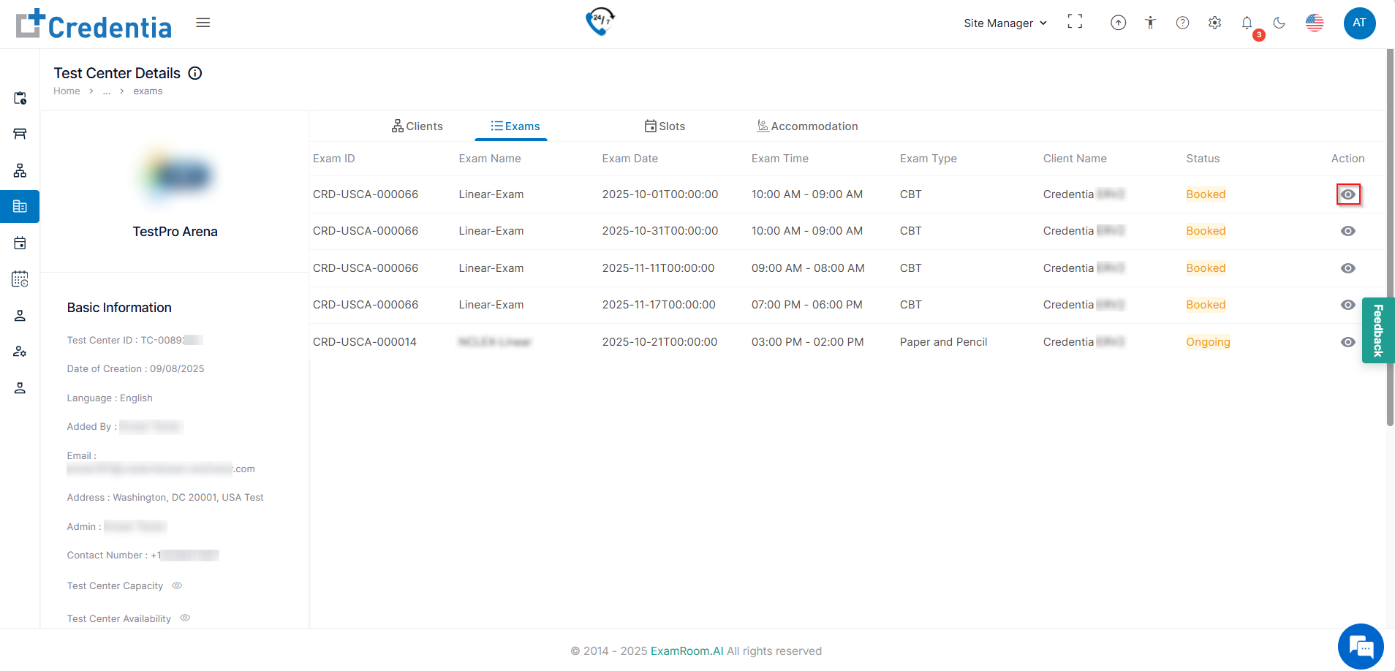
To view an existing Test Center, find it in the test center list and follow the instructions below:
- Click the View icon under the action tab to view the in-depth details of the test center and the status of the application.
- If the test center is under review, click View to see the status.
- If the test center is under review, click View to see the status.
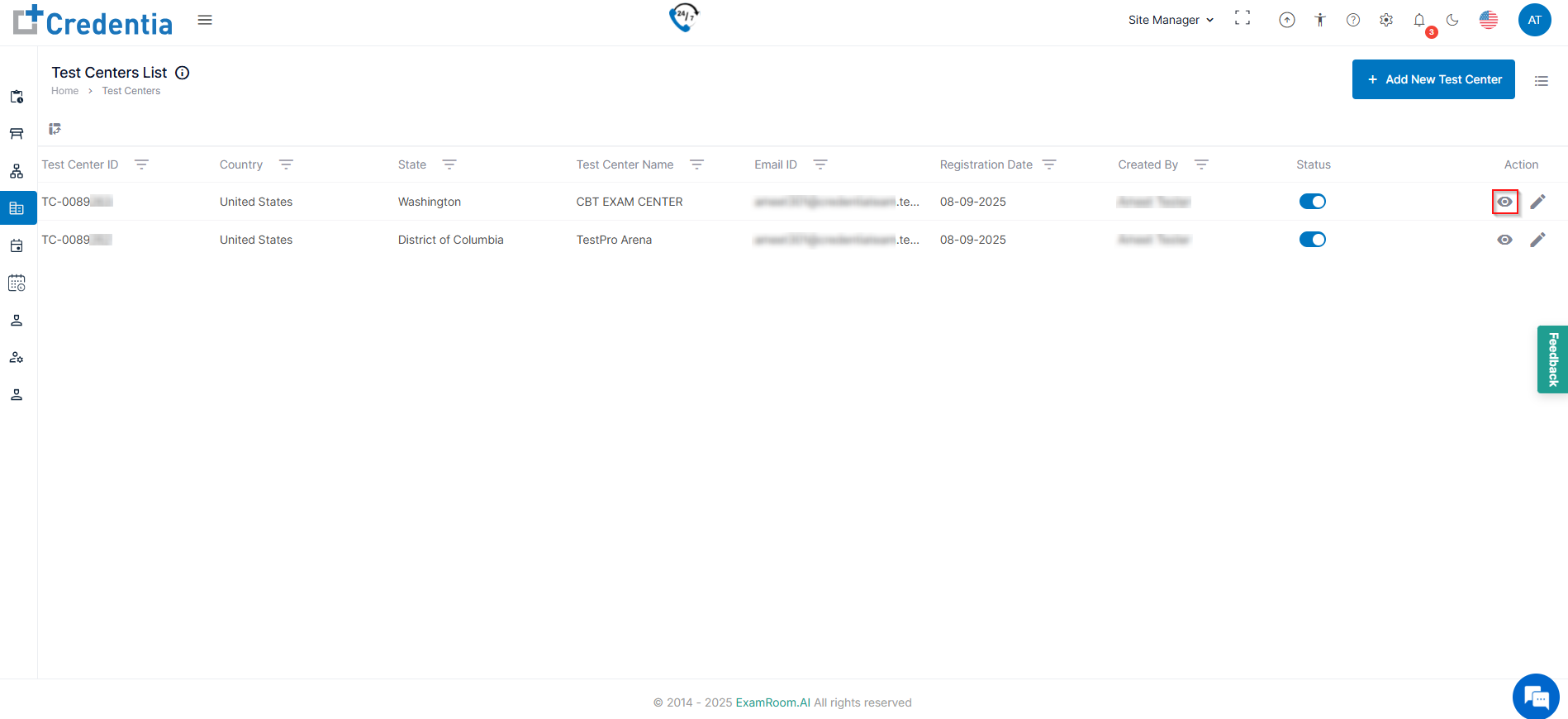
- In the Test Center Details, the site manager can view all the necessary information about the test center, like
- The Basic Information tab includes all the test center information.
- The Clients tab shows all the active clients that are associated(mapped) with the test center.
- The Exams tab shows all the exams booked.
- The Slots tab shows the available, booked, and unavailable slots at the test center.
- The Accommodation tab displays the available accommodation in the test center that can be availed for candidates.
Clients
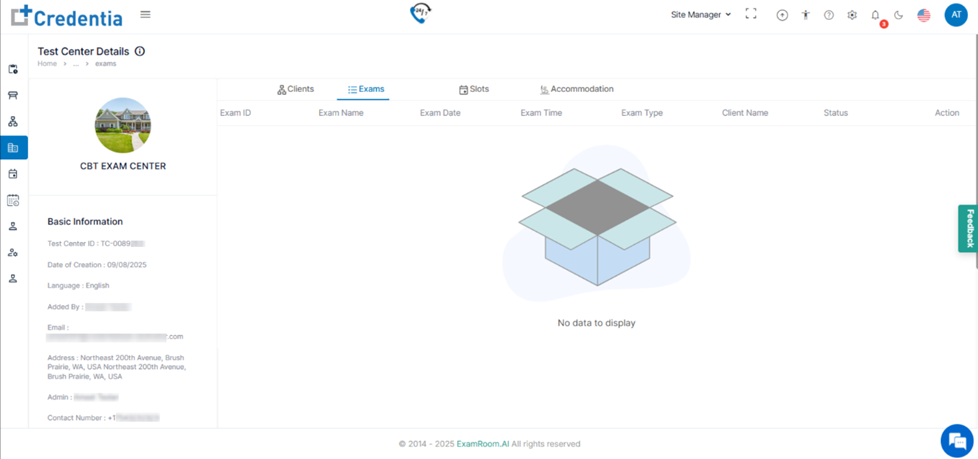
Under the Clients tab, all the clients at the respective test centers are visible.
Note: Click the view ( ) icon under the action tab to redirect to Clients for in-depth details.
Exams
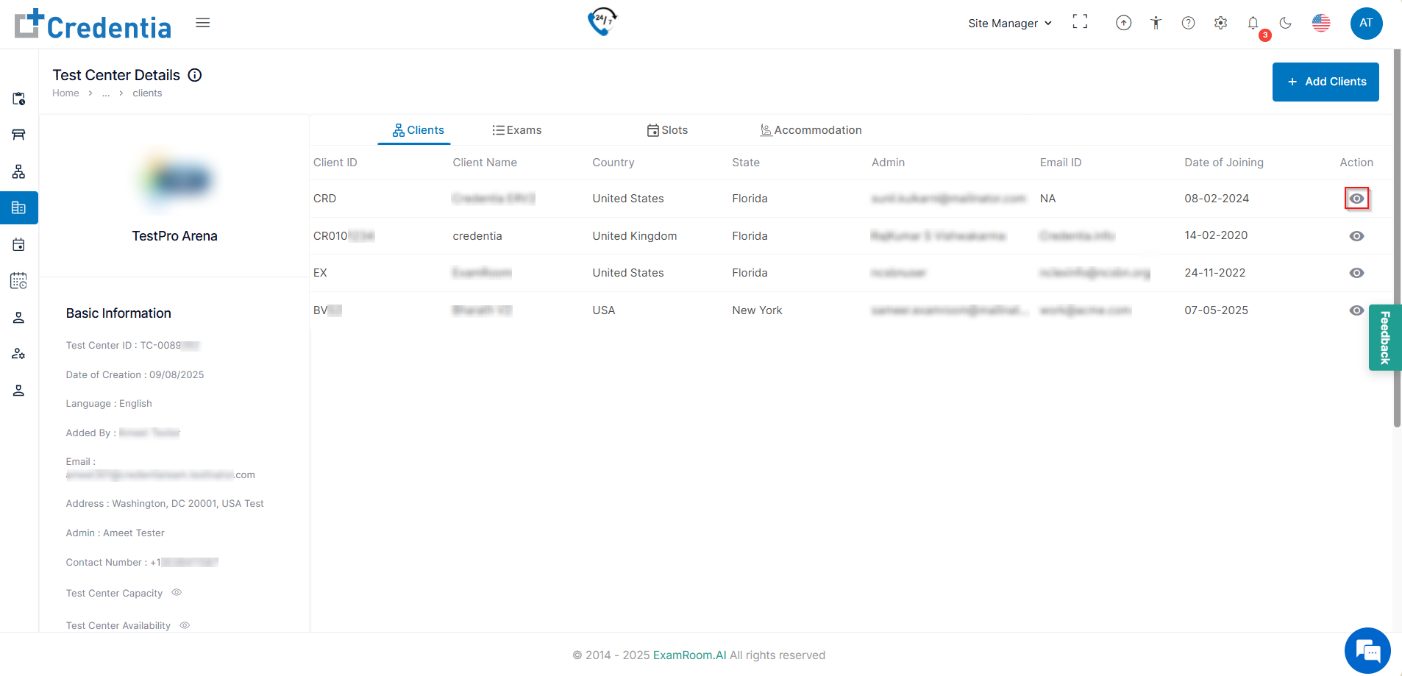
Under the Exams tab, all the booked exams at the respective test centers are visible
Note: Click the view ( ) icon under the action tab to redirect to Exam List for in-depth exam details.